

GitHub
GitLab
Your own team’s PRs are filtered out. A PR on a tracked branch, referencing an
issue id, or authored by a linked member is already tracked work. Only genuinely
external PRs become items.
Set up
1
Connect a repo
Connectors → Sync → GitHub or GitLab → Connect a repo, and pick the Retasc
project to sync into.
2
Name the repo
Type
owner/name, or paste a token and use “Pick from my repos” for a verified
dropdown. GitLab: add an Instance URL if self-hosted.3
Choose streams
Turning PRs on requires naming a reviewer: an active human member whose lane the
reviews dispatch to.
4
Paste the webhook
Retasc shows a Payload URL and secret once. Paste both into the repo’s
Settings → Webhooks (a deep link opens the right page), ticking the events that
match your toggles.
5
Verify
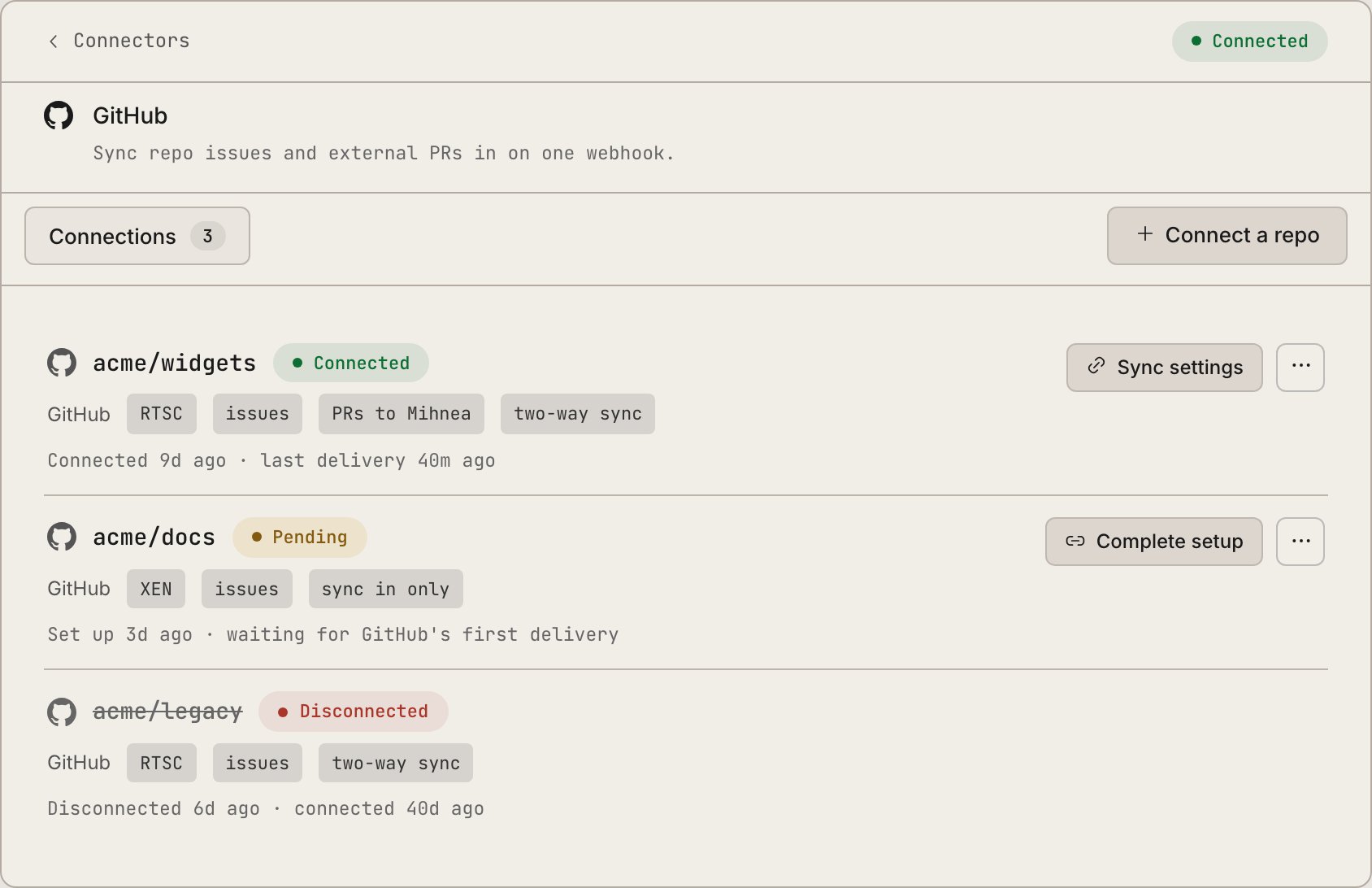
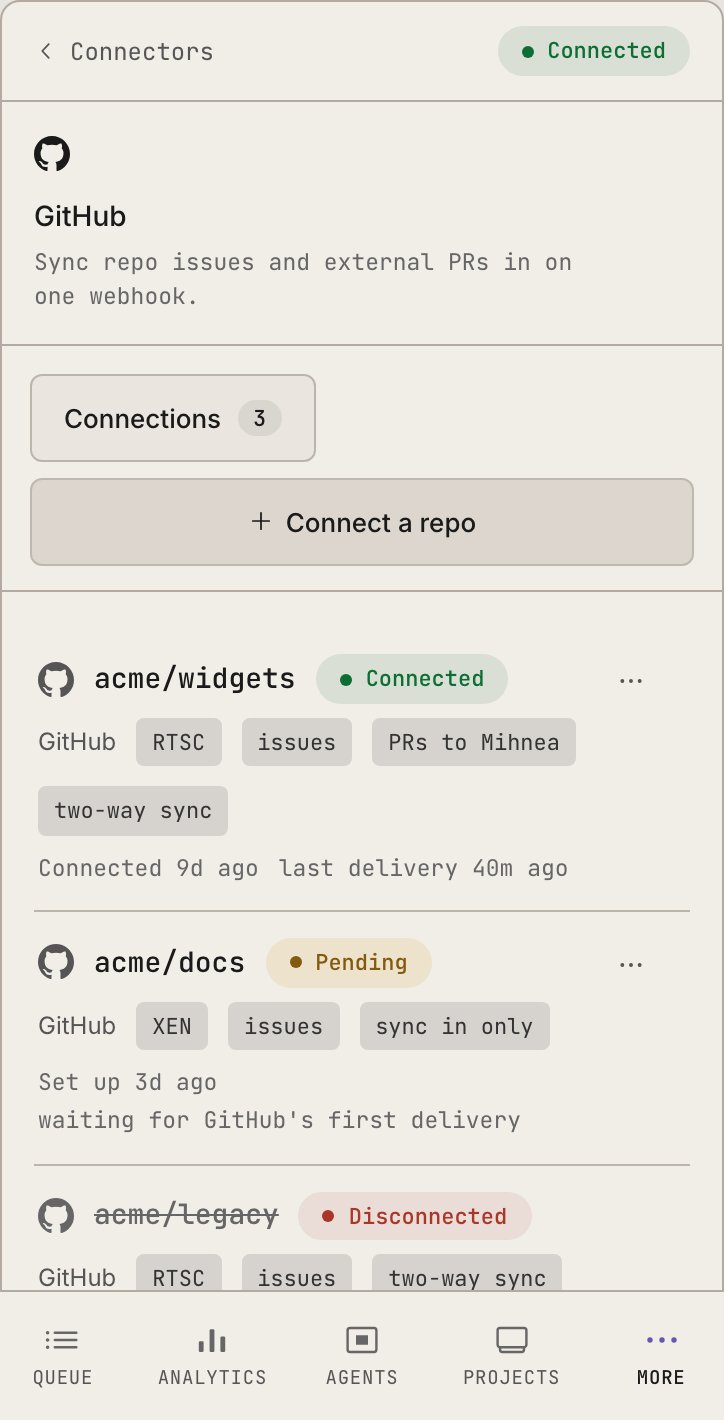
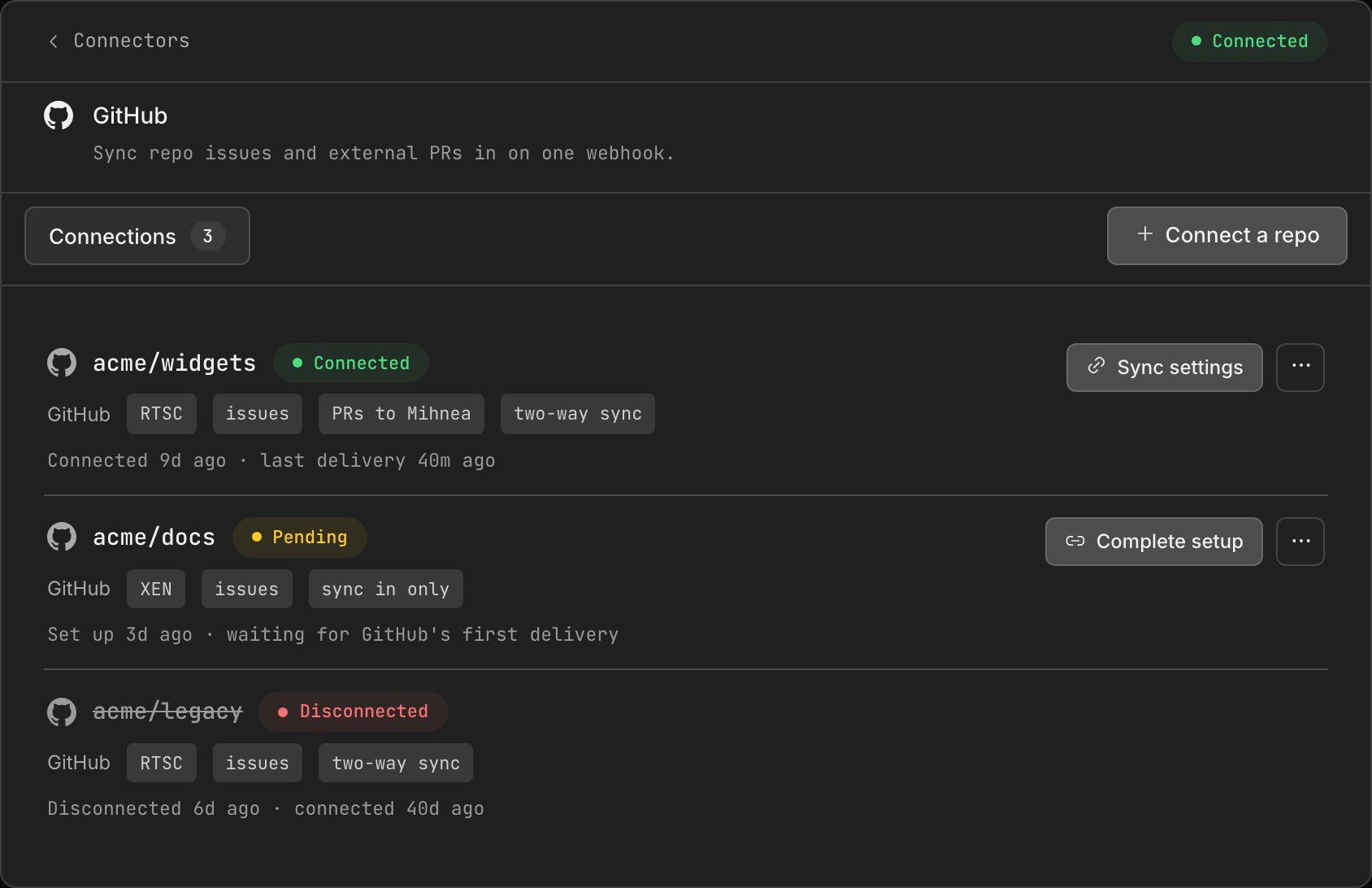
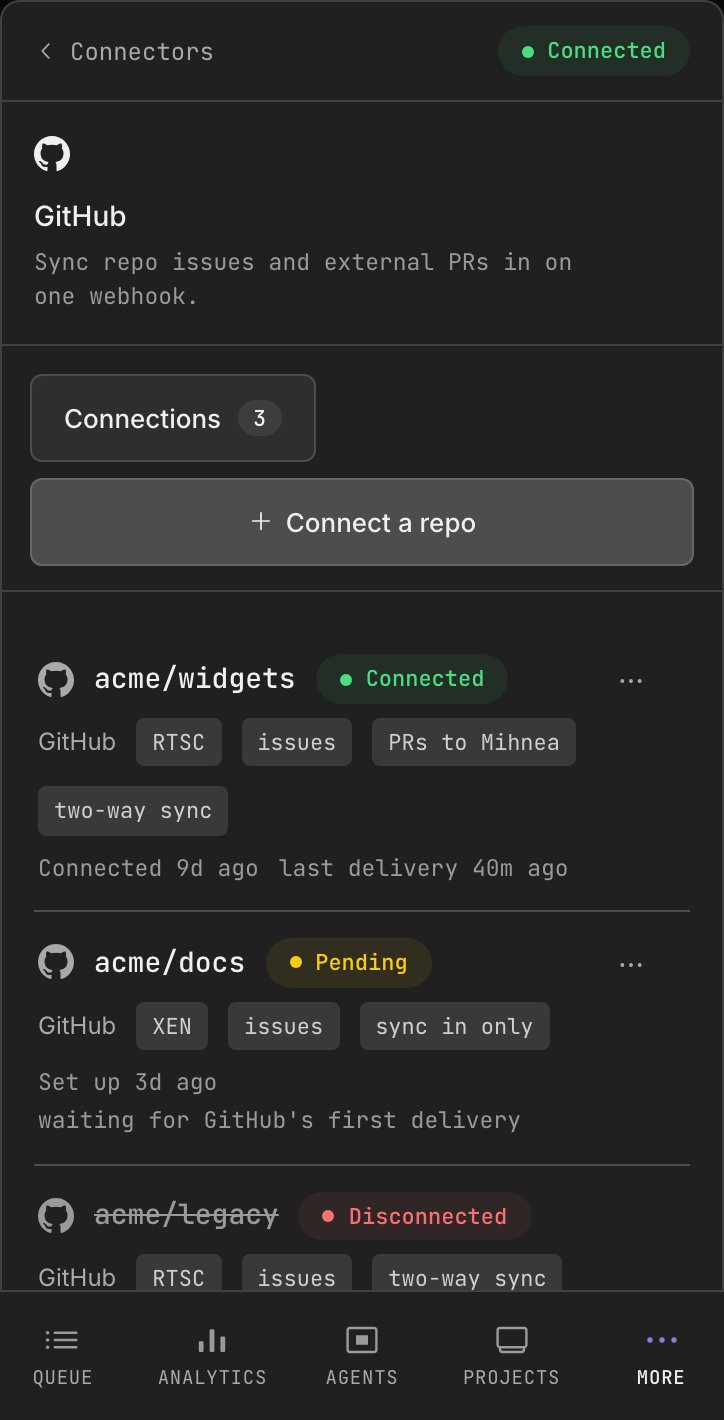
GitHub pings automatically and the card flips to Connected. GitLab does not: click
Test in GitLab or touch a real issue or MR, or the card stays Pending forever.
Manage
The Connections tab lists every connector with its status, project, and streams. Owners edit sync settings, tokens, or Disconnect (syncing stops immediately). Agents can readlist_connectors and call revoke_connector over MCP, metadata only:
connecting a new repo is Dash-only, so a raw token never transits MCP.
Next steps

Review workflow
What happens to a synced PR once it lands in review.

Notifications
A DM the moment a synced item lands on your lane.