

Setting up your own org instead? Go to Onboarding: starting
fresh. This page assumes you already have an invite.
Terminal track
Never opens a browser, except to approve sign-in. The link or code your teammate sent you goes straight into the command:1
Sign in as yourself
2
Redeem the invite
Nothing else to type, the code was already in the command:Codes are single-use and expire (7 days by default). If yours is stale, ask the
owner to mint another.
3
Claim your imported identity
If a migration carried people across when the org was set up:
4
Pick the project
Only asked if the org has more than one:
5
Install retasc globally, or run it on demand
Same question as the other onboarding path:
6
Connect the folder, and confirm
Nothing to type. It mints your key and wires the folder:
Web track
Never opens a terminal, a raw command shown to you would be a bug.1
Open the link
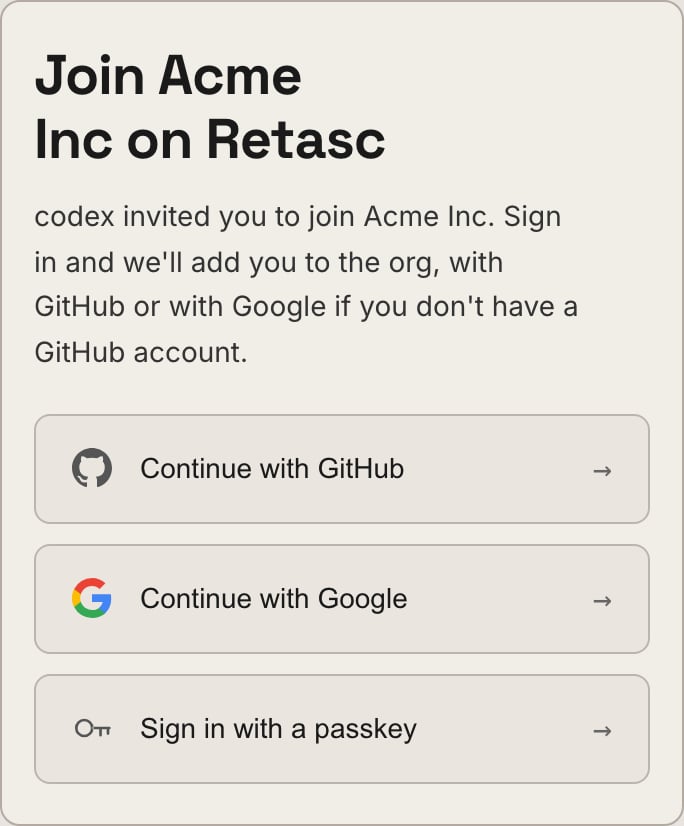
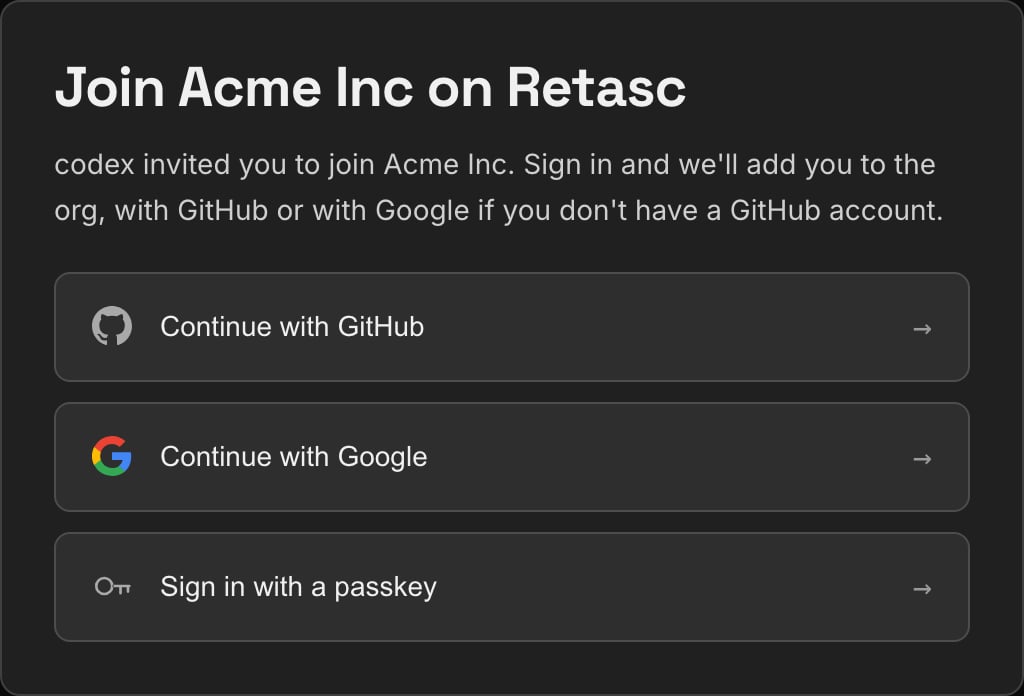
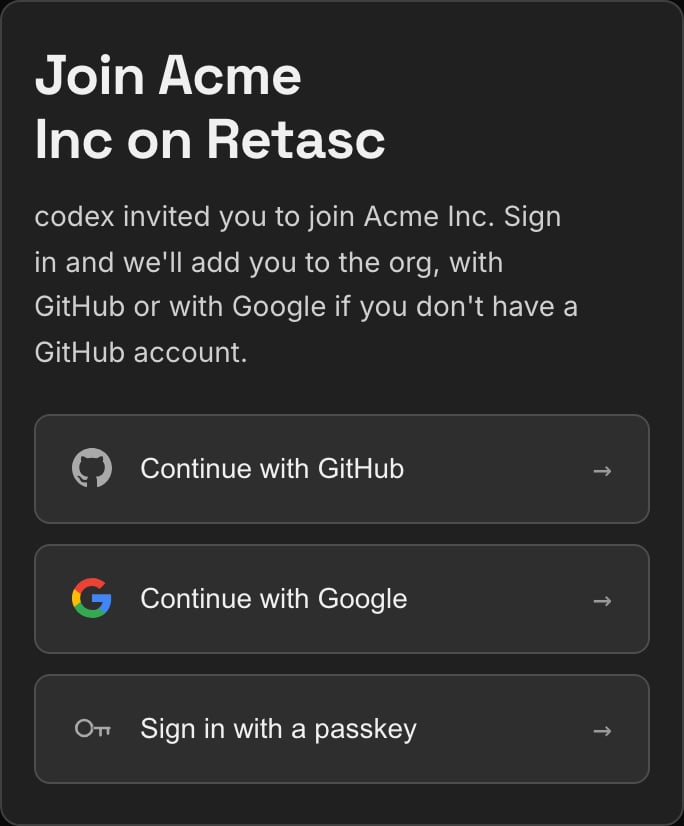
A real join page, not a sign-up for your own org.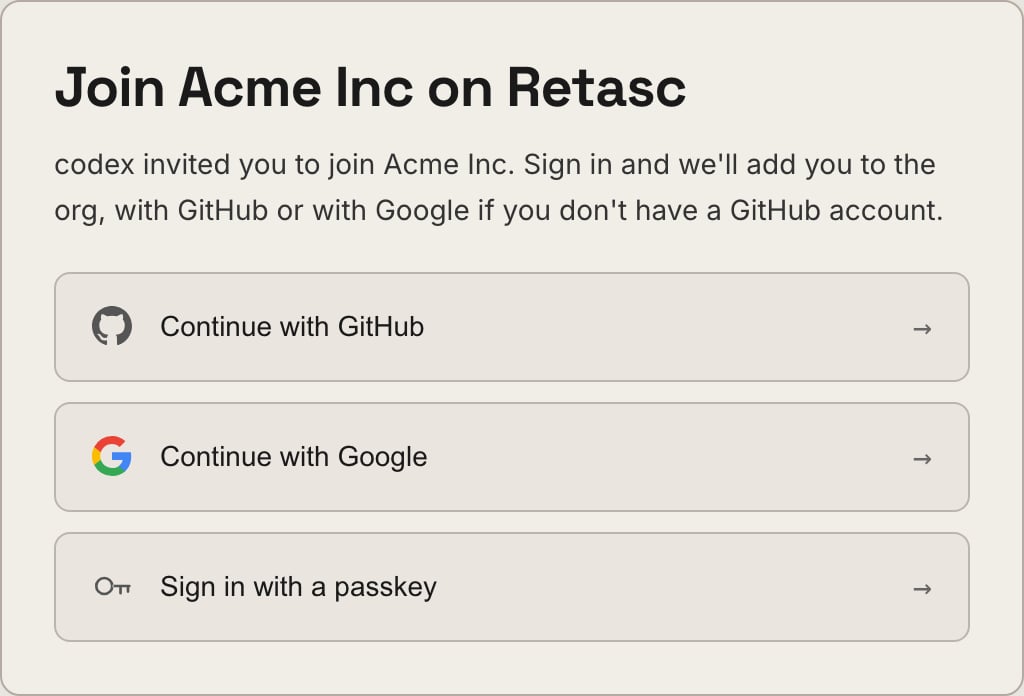
2
Sign in
Choose GitHub or Google, whichever you have.
3
Join the org
One click. You never see a create-an-org screen.
4
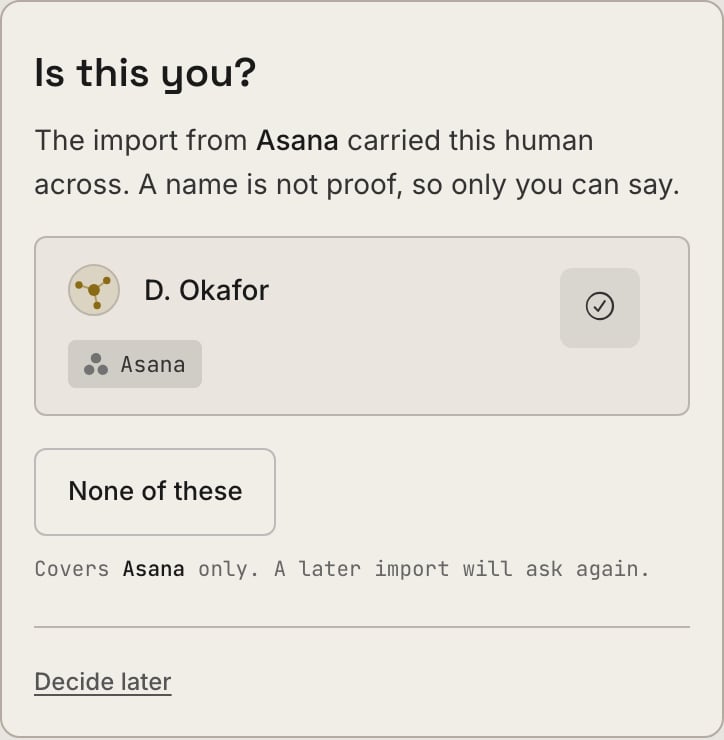
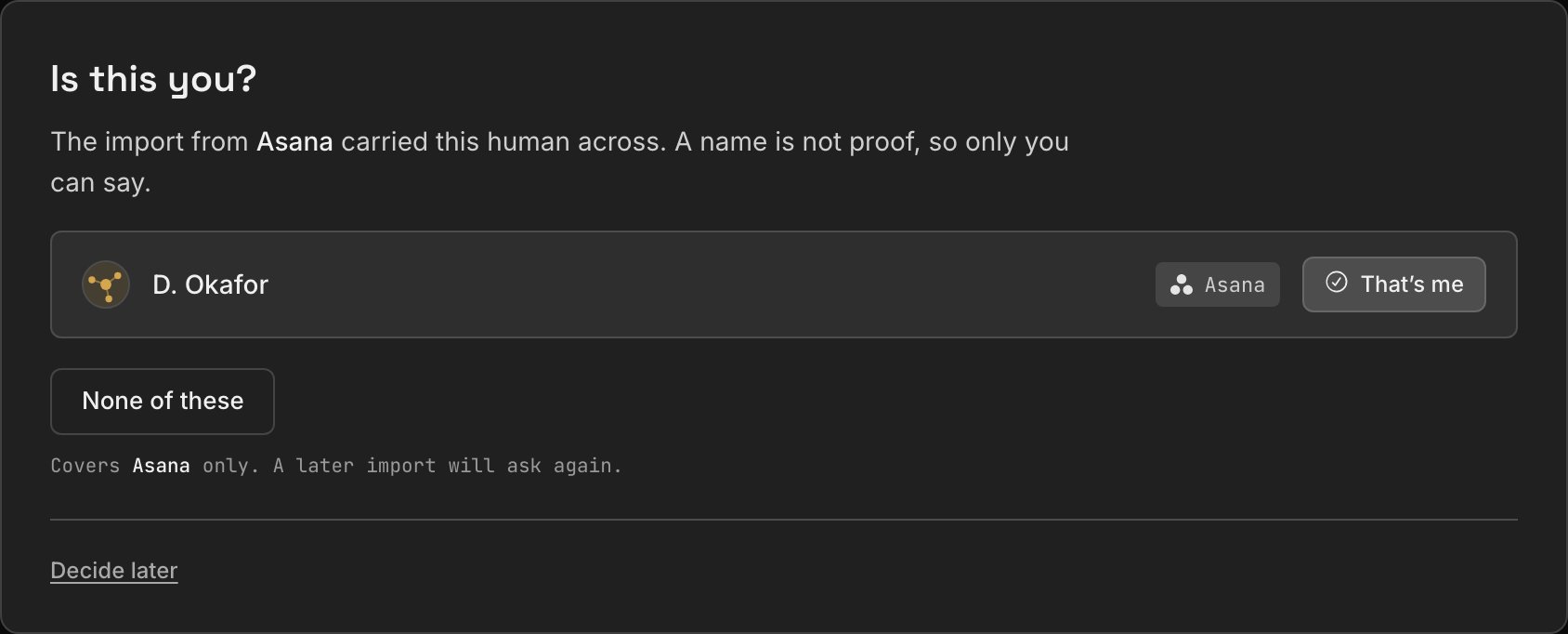
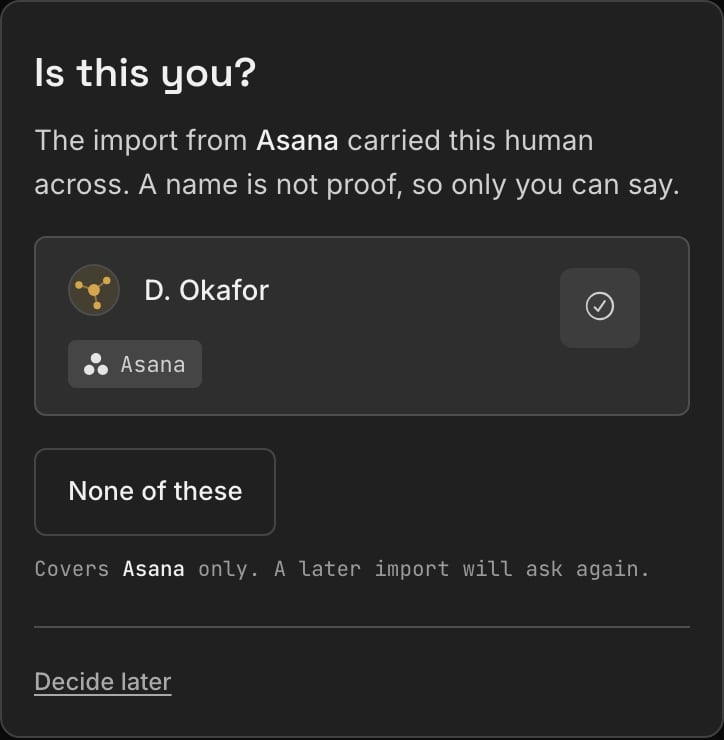
Claim your imported identity
If a migration carried your work across, say which name is you.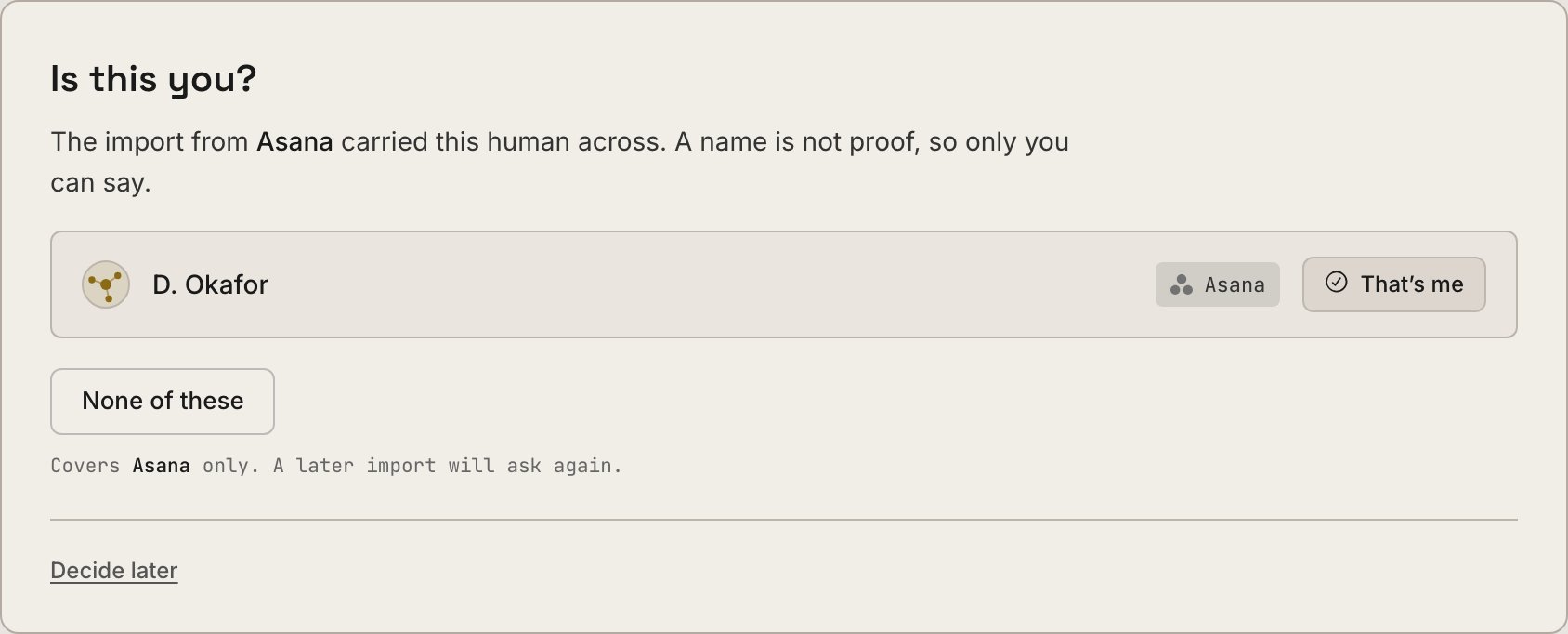
5
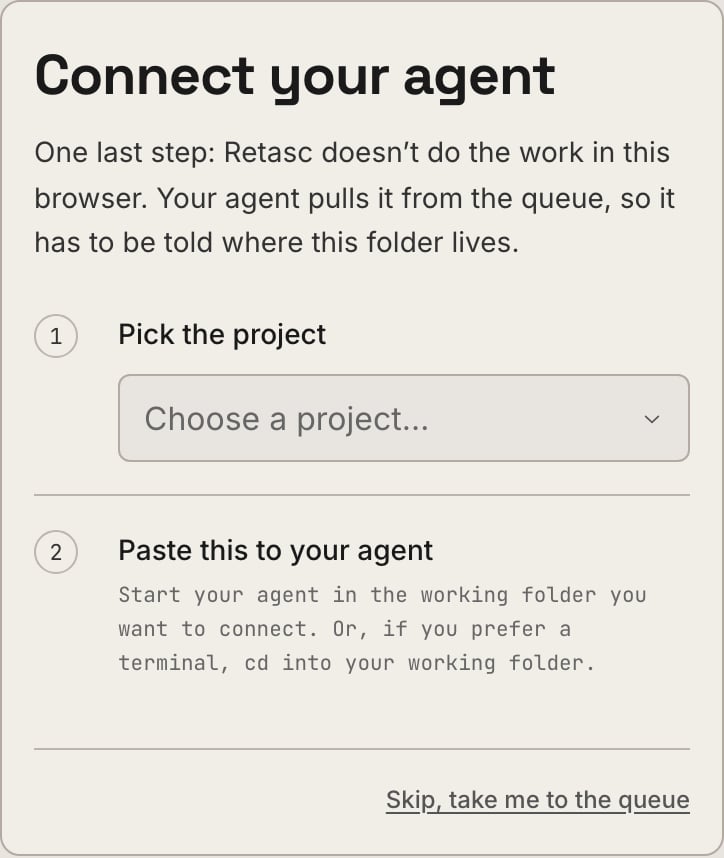
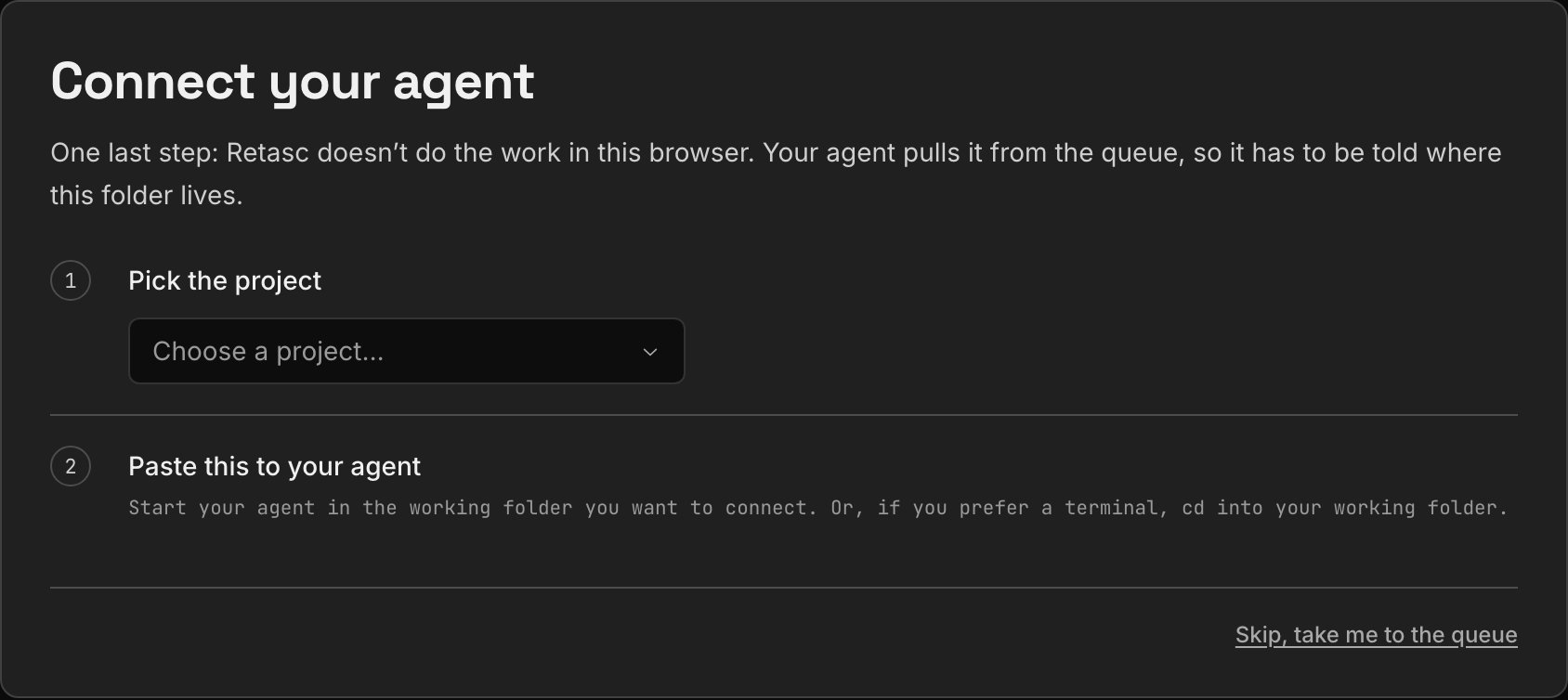
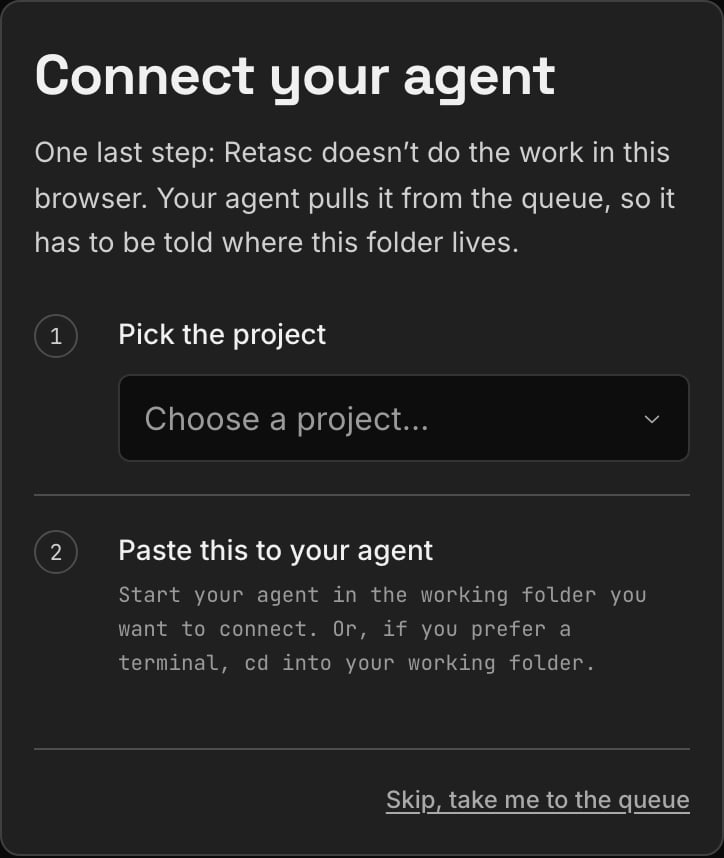
Connect your agent
The same handover an owner gets: copy a block, paste it to your agent, and it
sets the folder up itself.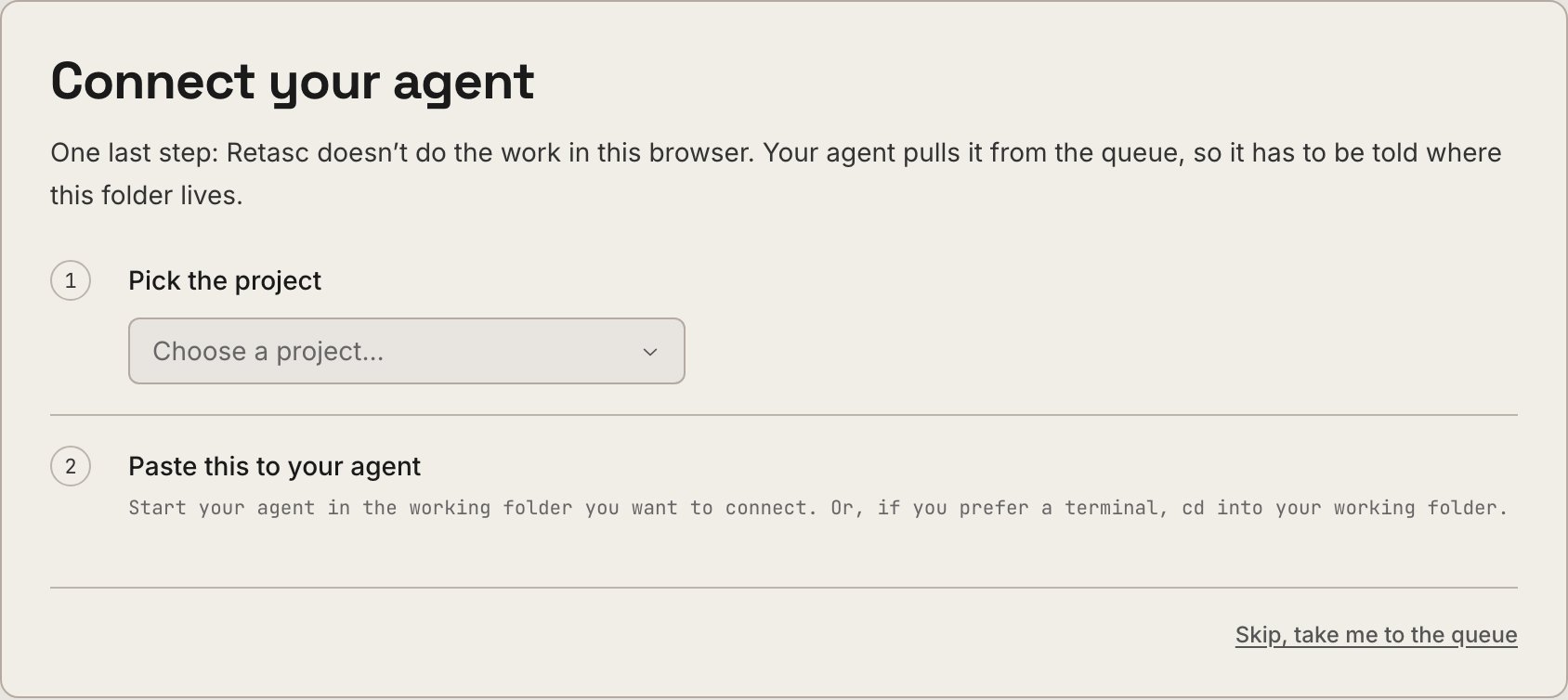
What you can do
Every membership is owner, admin, or member. Invites always join asmember, an owner upgrades someone from there.
Admin runs the org day to day, everything above except deleting the org,
exporting its data, or acting on the owner or another admin. It’s the role for
someone who shouldn’t wait on the owner for routine ops.
Upgrading to admin is Dash-only, and owner-only. From the Dashboard’s Team tab,
the owner clicks Make admin next to a member’s name (a confirm step, since it’s
a real permission grant), or Make member to reverse it, no confirm needed. There
is no CLI command for this, and it isn’t exposed over MCP either, on purpose: an
admin who could grant admin would be self-propagating.
Members are free and unlimited, Retasc meters actions, not seats, so adding people
costs nothing. See Pricing.
Next steps

Onboarding: starting fresh
How your org’s owner set this up, and how to invite the next teammate.

Pricing & billing
What’s metered, the rate card, and what happens when credit runs out.