

Linear
Jira
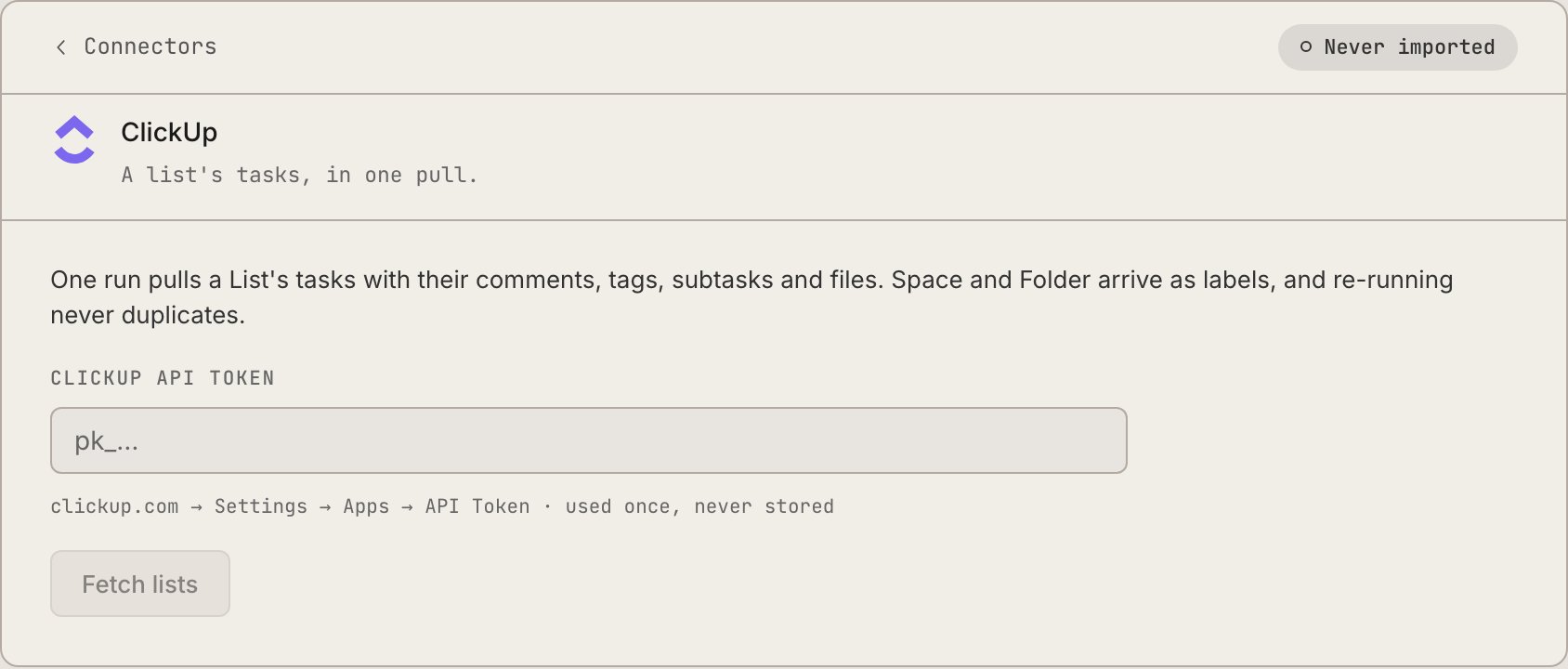
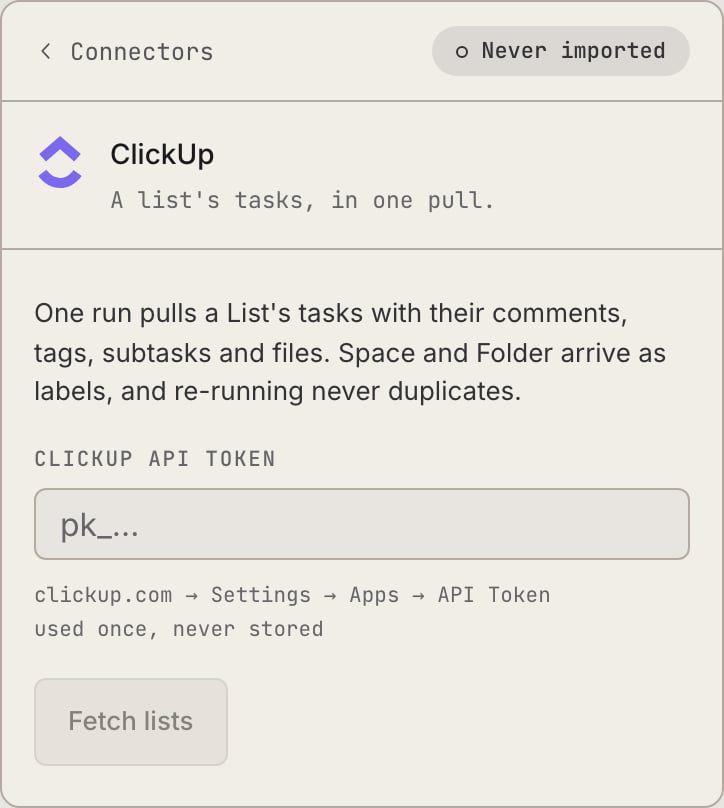
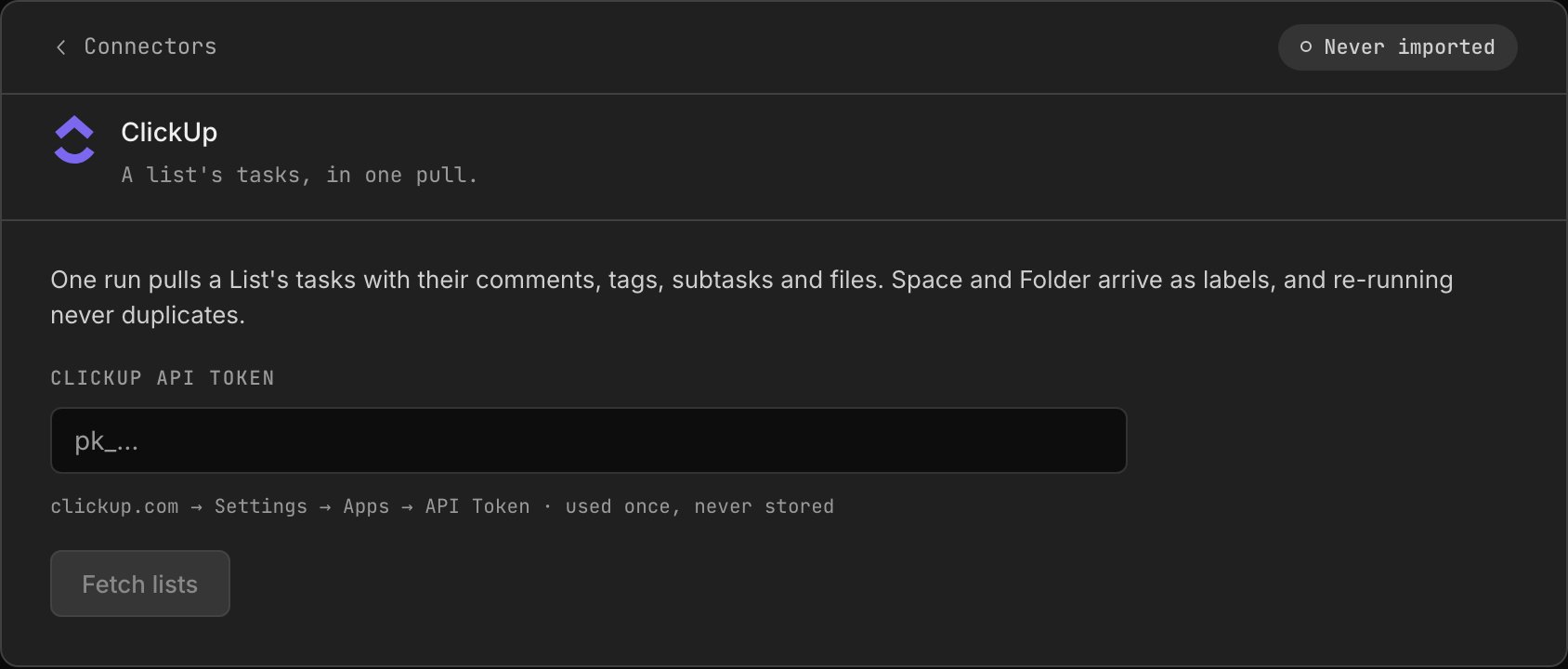
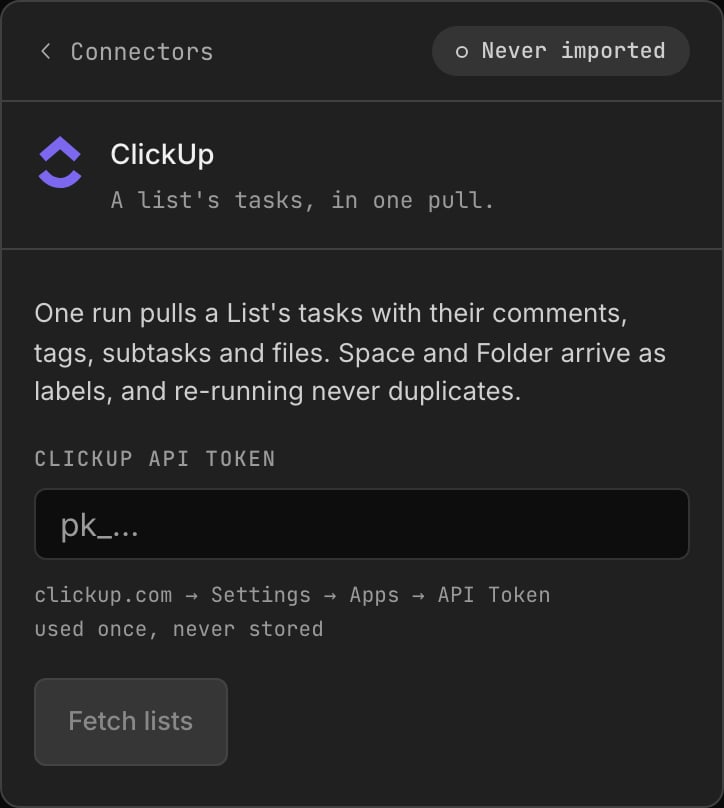
ClickUp
Asana
Shortcut
Set up
1
Pick the source
Connectors → Migrate, then the source’s card.
2
Paste the token
Used live for this run only, never stored. Jira also asks for the site
(
your-domain.atlassian.net) and account email.3
Fetch targets, pick one
The team, project, or list to bring across.
4
Say what your columns mean
Jira, ClickUp, and Asana surface each source column to map to
todo / doing /
review / done / canceled, pre-filled from the column’s type, never its
name. A column mapped to review needs a named reviewer. Linear and Shortcut type
their own columns, so they skip this step.5
Import
Live progress, then a summary: created, updated, comments, links, files.
6
Claim your history
Imported authors arrive as placeholder members. Each real person clicks “That’s
me” once, and their authorship and their assigned backlog move onto their live
account.
Same flow in the terminal:
retasc import walks the identical steps (source,
token typed with echo off and never a flag, target, column mapping, import) and ends
on the same identity-claim prompt.Next steps

Onboarding: starting fresh
Where an import fits in a new org’s first hour.

Notifications
Connect a DM channel once your history is in.